

version 1.1.0, the RedBrick UI offers a variety of metrics in order to make tracking your (or your team’s) progress easier than ever before.
Project Analytics
On your Project’s Data Page, you can access a variety of productivity-related information about the Project Workforce by using the lefthand toolbar and applying the desired filters. To generate Task-based metrics for a specific user, first select the user in the top-left dropdown field and apply a date range.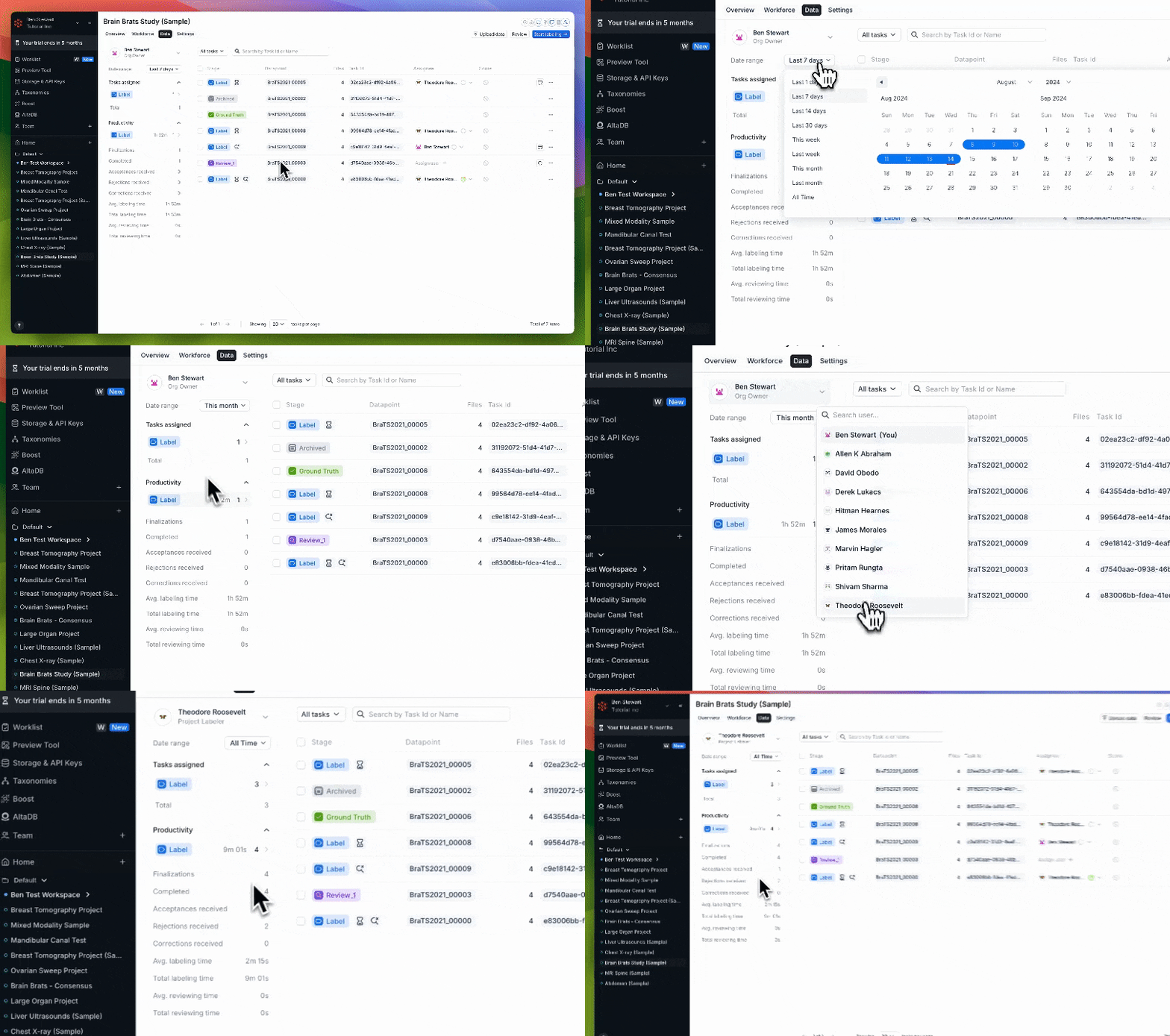
Viewing a labeler's work history with the new Project Analytics tab
- Finalizations - the number of times the User finalized a Task in the Pre-Label or Label Stage;
- Completed - the number of times a Task the User worked on reached the Ground Truth Stage;
- Acceptances received - the number of times a Task the User worked on was accepted in a Review Stage;
- Rejections received - the number of times a Task the User worked on was rejected in a Review Stage;
- Corrections received - the number of times a Task the User worked on was accepted with corrections;
- Avg. labeling time - the average amount of time the User spends on labeling a Task before pushing it to a later Stage;
- Total labeling time - the total amount of time the User has spent on labeling Tasks;
- Avg. reviewing time - the average amount of time the User spends on reviewing a Task before pushing it to a later Stage;
- Total reviewing time - the total amount of time the User has spent on reviewing Tasks;
Task Analytics
RedBrick also allows you to see information related to the contents of Tasks that you have access to. On the Data Page, you can click on the Task Analytics button for a given Task to see information about:- the Object Labels (i.e. annotations) present in the Task
- Task History
- Labeling History
- Reviewing History
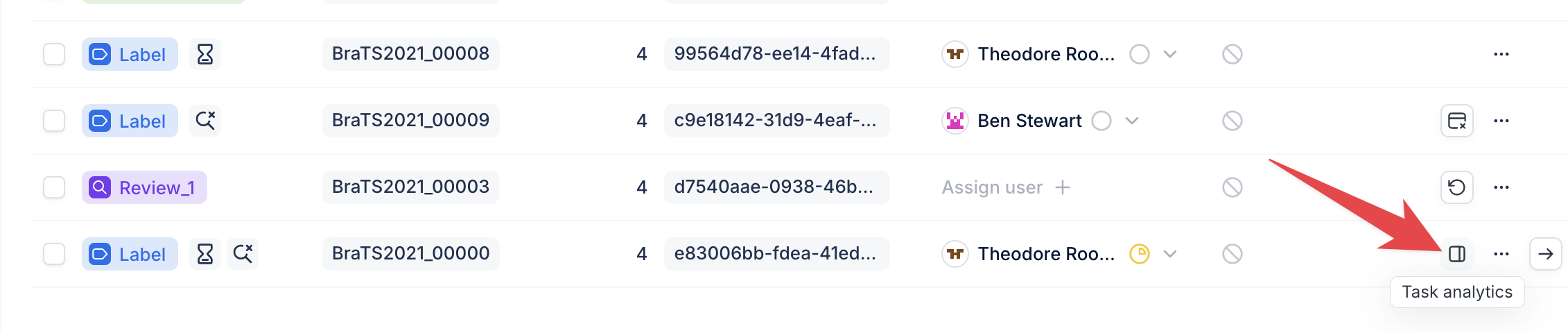
The Task Analytics button on the Data Page
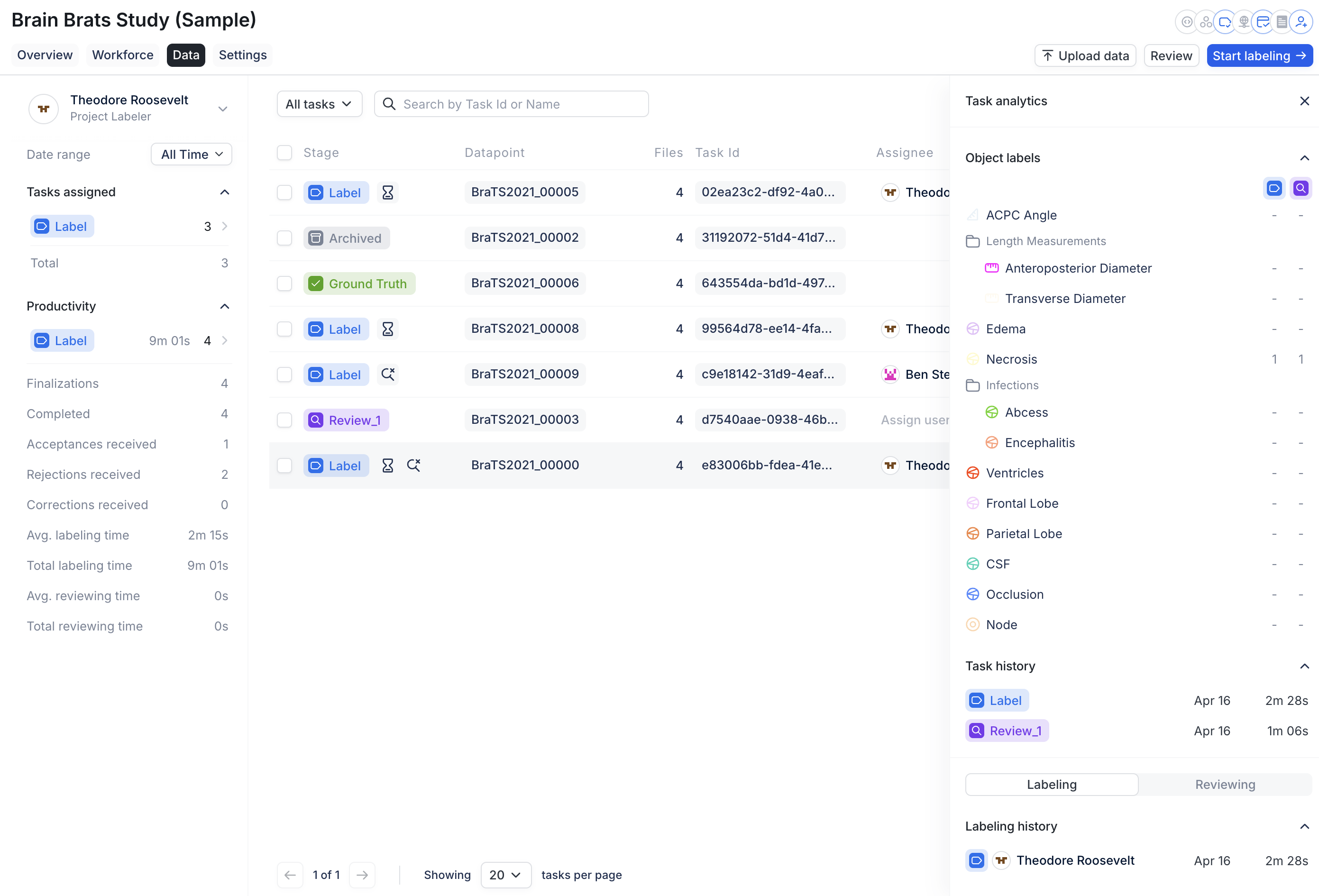
An expanded view of a Task's metrics
Time Tracking
The statistics related to labeling time and review time are based on active time spent on tasks. The timer that tracks this is done on a per task basis and shown on the bottom left corner of the annotation viewer. This timer automatically stops if there is no activity on the page for a certain amount of time. The time is not aggregated or counted until a task has been submitted (finalized/accepted/rejected).If a task is re-assigned to another user within the same stage while in progress, the accumulated time from all annotators in that stage is attributed to the user who ultimately submits the task.For example: Task is assigned to User 1, who works on it for 5 minutes. The task is then re-assigned to User 2, who works on it for 3 minutes and submits. The total time tracked for that stage is 8 minutes, attributed to User 2.